 11
11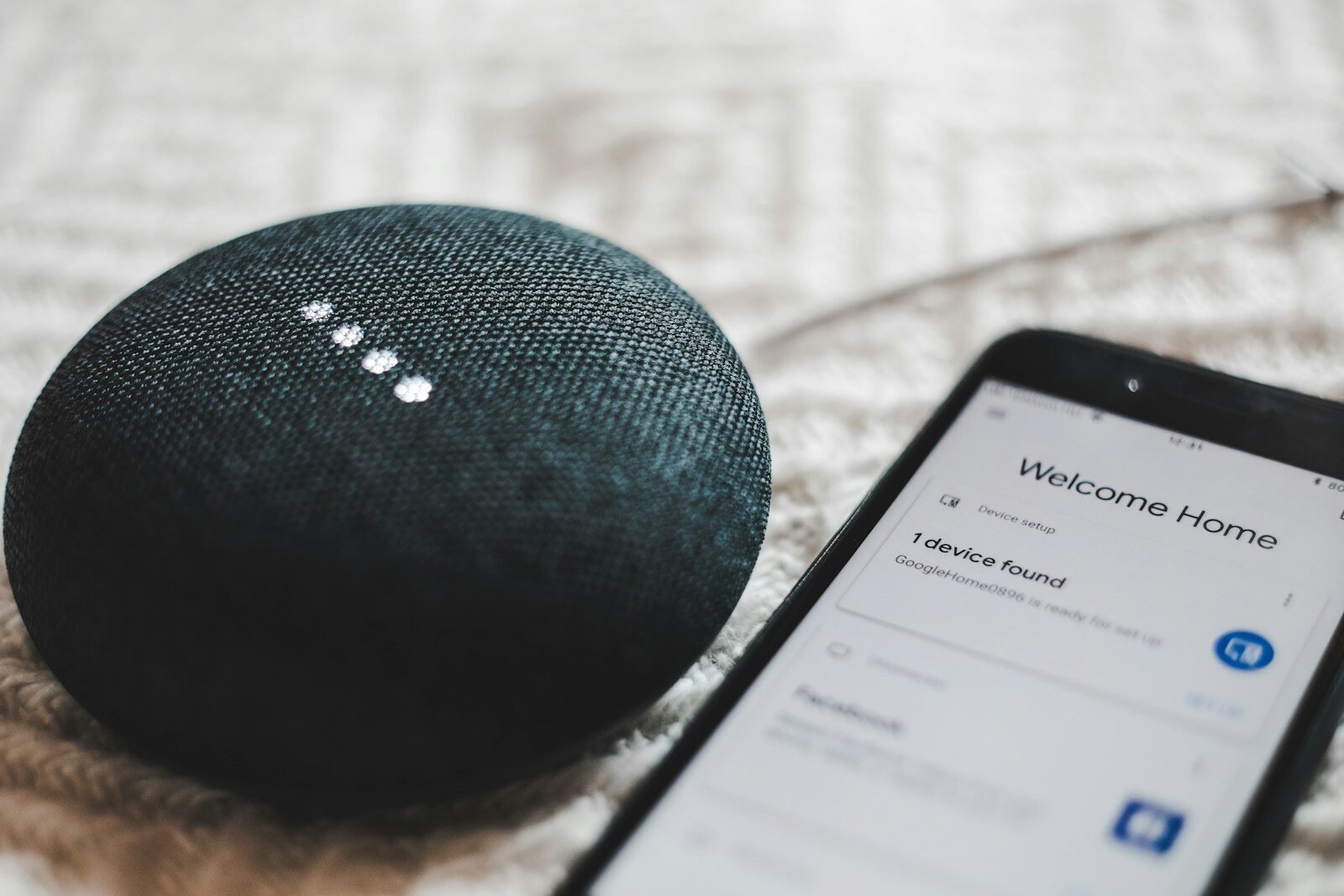
The smart home has finally grown out of its awkward phase. A decade ago, connecting a light bulb to your phone felt like a party trick that broke every other week. Today, smart gadgets are more reliable, more affordable, and — thanks to the Matter standard — more likely to actually work together. If you have been thinking about making your home smarter, 2026 is a genuinely good time to start.
But the smart home aisle is also full of gadgets you will regret buying. This guide cuts through the noise: which smart home gadgets are actually worth your money in 2026, which ones to skip, and the practical rules that separate a home that “just works” from a collection of expensive paperweights. No sponsored picks, no fantasy specs — just honest advice.
Buy in the wrong order and you end up with five apps, three hubs, and devices that refuse to talk to each other. Follow these five rules first and everything gets easier.
If you buy one smart home gadget, make it a smart speaker. It is the cheapest way into the ecosystem, it controls everything else by voice, and the built-in voice assistant answers questions, sets timers, and reads the news. Many current models also include built-in smart home hubs, which means one device can directly control Zigbee or Thread gadgets without extra hardware.
A smart display — a speaker with a screen — is worth the step up if you want video calls, a kitchen recipe screen, or a live view from your doorbell camera. For a bedroom or office, the smaller speakers are plenty; for a kitchen or living room, the larger models sound noticeably better for music.
What to look for: strong sound for the size, support for your ecosystem, a physical microphone mute switch for privacy, and a built-in hub radio if you plan to add sensors and locks later. Replace an old speaker only if it lacks Matter or Thread support — otherwise it still works fine.
A video doorbell is the smart home gadget with the most obvious daily payoff: you see who is at the door from anywhere, get motion alerts, and have a recording if a package goes missing. Wireless battery models install in minutes with no wiring; wired models never need charging but need an existing doorbell circuit.
For cameras, the honest advice is: decide how you feel about subscriptions before you buy. Many cameras record to the cloud only with a monthly plan, while others support local storage on a microSD card or a home base station with no fees. Local storage is cheaper long-term and keeps your footage in your house. Also check the field of view, night vision quality, and whether the camera can distinguish people from passing cars — person detection cuts false alerts dramatically.
What to look for: at least 1080p video (2K is nicer for identifying faces), two-way talk, a weatherproof rating if it goes outdoors, and either local storage or a subscription price you are comfortable paying every month.
Heating and cooling are most homes’ biggest energy expense, which makes a smart thermostat one of the few gadgets with a real payback. It learns your schedule, turns itself down when nobody is home, and shows you exactly where your energy goes. Many energy providers also offer rebates that cut the purchase price significantly — check before you buy.
Installation is the main question. Most homes with a standard low-voltage HVAC system can install one in under an hour, but if your wiring lacks a common (C) wire, you may need an adapter or a professional. Check compatibility with your system on the manufacturer’s site before ordering.
What to look for: room sensors for balancing hot and cold spots, geofencing (it adjusts when you leave and return), energy reports you will actually read, and compatibility with your heating and cooling system.
Smart bulbs and light strips are the friendliest first gadget: cheap, easy, and immediately satisfying. Start with the rooms you use most. A few practical notes from experience:
What to look for: Matter support, brightness that matches your old bulbs (check lumens, not “watt equivalent” marketing), and a hub-free connection if you want to avoid extra hardware.
A smart lock means never hiding a spare key again: give family members codes, let in a guest while you are at work, and get notified when the kids get home. Retrofit models replace only the inside of your existing deadbolt, so installation takes minutes and your outside door looks unchanged.
The two things that matter most are reliability and battery life. A lock must work every time, and you should get many months per set of batteries with a low-battery warning well in advance. Fingerprint readers are genuinely convenient; keypads are the proven workhorse. Keep a physical key as backup — every good smart lock still accepts one.
What to look for: ANSI/BHMA security grading, an auto-lock feature, guest codes with schedules, Matter or Thread support for fast reliable response, and a clear low-battery warning system.
Smart plugs are the unsung heroes of the smart home. For the price of a takeaway meal, you can make any “dumb” device smart: lamps, fans, coffee makers, holiday lights. They are perfect for renters and for testing automations before committing to bigger purchases.
The classic automations: a lamp that turns on at sunset, a fan that runs on a schedule, an iron or heater you can switch off from your phone when you are already at the office and cannot remember. Energy-monitoring plugs go a step further and show exactly what each device costs to run — often an eye-opener.
What to look for: a compact shape that does not block the second outlet, energy monitoring if you want it, and Matter support so it works with whatever ecosystem you choose later.
Robot vacuums have quietly become one of the most satisfying smart home purchases. The current generation maps your home, avoids cables and pet messes far better than the bumper-car models of old, and empties itself into a base station you empty every month or two instead of every day. Mopping models handle hard floors reasonably well for maintenance cleans.
Be realistic: a robot vacuum maintains clean floors; it does not replace a deep clean. Homes with mostly hard floors and low-pile rugs get the best results. If you have pets, prioritize obstacle avoidance and a self-emptying base — they are the difference between a gadget you love and one that needs rescuing daily.
What to look for: LiDAR navigation (far better than random bouncing), a self-emptying base, washable mop pads or auto mop washing on mopping models, and replacement part availability (filters, brushes, bags).
Not every smart gadget earns its place. A few categories to be skeptical about:
Less than most people expect. A smart speaker and two or three smart bulbs or plugs can transform your daily routine for roughly the cost of a nice dinner out. A full setup — lighting, thermostat, doorbell, lock, and a robot vacuum — is a serious investment, but you absolutely do not need to buy it all at once. Start small and add one gadget at a time.
It depends on the gadget. Devices using Thread, Zigbee, or Z-Wave with a local hub generally keep working for basic control. Pure Wi-Fi gadgets that depend on the cloud may stop responding until the internet returns. If reliability during outages matters to you, prefer hub-based devices and keep physical switches as backups.
They can be, which is why buying decisions matter. Stick to reputable brands, use unique passwords with two-factor authentication, disable features you do not use (like continuous cloud recording if local storage suffices), and use the physical microphone mute switch on speakers. A little setup hygiene removes most of the risk.
Matter is an industry standard that lets smart home devices work across Amazon, Google, Apple, and other platforms. You should care because it makes gadgets more future-proof: a Matter device is less likely to become useless if you switch phone brands or voice assistants. When choosing between two similar gadgets, pick the one with Matter support.
Yes — choose non-permanent options. Smart plugs, smart bulbs, battery-powered video doorbells, and retrofit smart locks install without drilling or rewiring and can move with you. Avoid hardwired switches and thermostats unless your landlord approves.
The smart home worth having in 2026 is not the one with the most gadgets — it is the one where a handful of well-chosen devices quietly handle the boring parts of your day. Start with a speaker, fix your biggest daily annoyance next, and let the Matter standard keep your options open. Buy for the problem you have, not the demo that impressed you, and your home will feel smarter without feeling complicated.