 11
11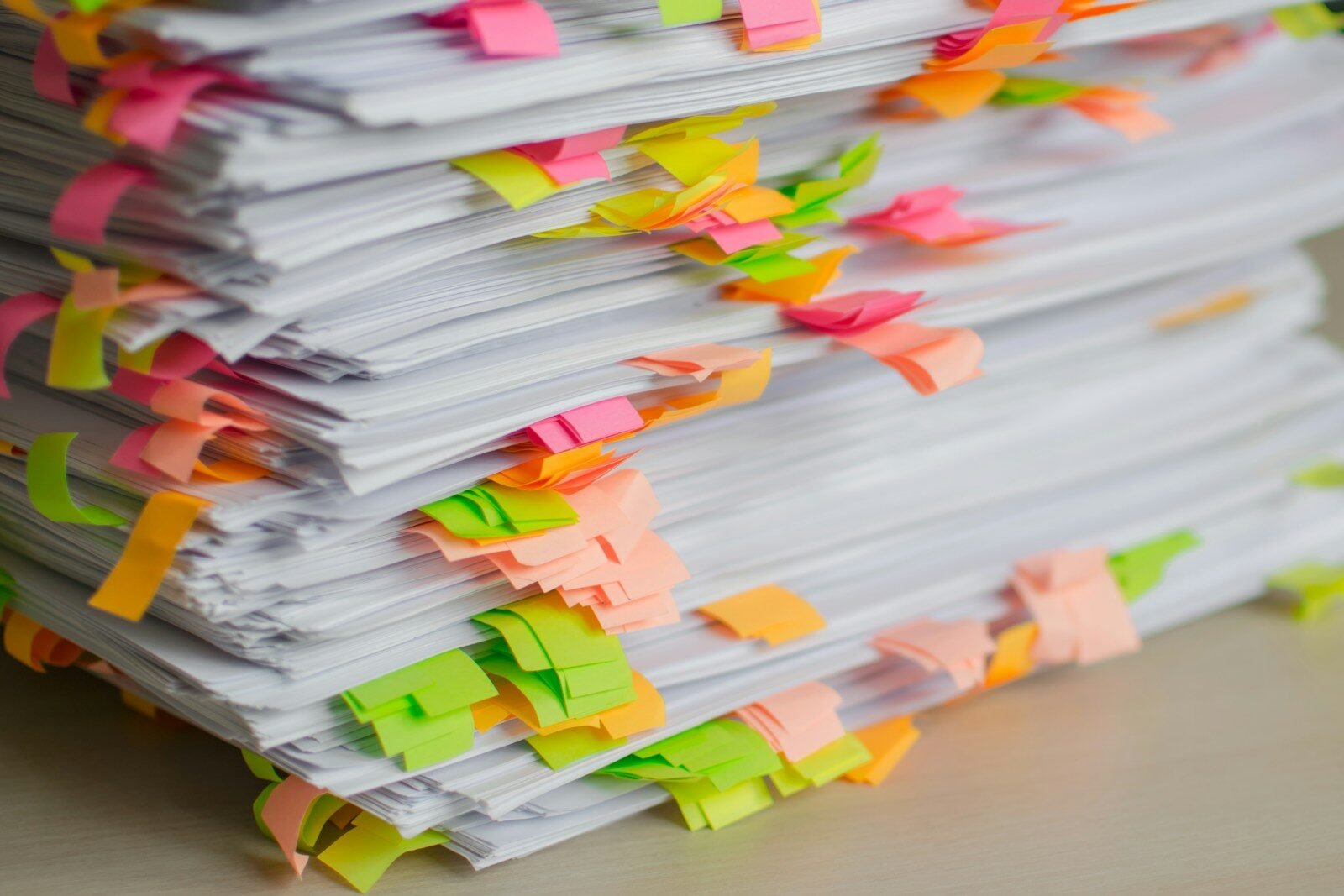
Somewhere on your computer right now sits a PDF you have been meaning to read for three weeks. There is also probably a two-hour video in your watch-later list that you will never actually watch. You are not alone — the modern information diet produces far more long content than anyone can consume. Fortunately, AI summarization has become one of the most practical everyday uses of artificial intelligence.
In this guide, you will learn how to turn long documents, reports, articles, and videos into short, useful summaries with free AI tools. We cover the best tools for the job, step-by-step workflows for documents and videos, prompt recipes that produce better summaries, and the accuracy and privacy pitfalls to watch out for.
A good summary does not just save time — it changes what you can attempt. That 80-page industry report becomes a five-minute read. A semester’s worth of lecture recordings becomes searchable notes. A dense legal or medical document becomes something you can actually understand before you sign or decide.
Modern AI models are remarkably good at this specific task because summarization plays to their strengths: reading large amounts of text, identifying the main points, and restating them concisely. You do not need special software or a paid subscription — the free tiers of the major AI chatbots handle most summarization jobs well.
Your first and best option for most jobs is simply pasting text into a capable chatbot, or uploading the document file directly — all three major assistants accept PDF and document uploads on their free tiers. Claude is particularly strong with very long documents, while Gemini can work directly with files in your Google Drive. For quick summaries, any of the three will do.
Google’s NotebookLM (free with a Google account) is purpose-built for working with your own documents. You upload sources — PDFs, web pages, pasted text, even YouTube links — and then ask questions or request summaries grounded in those sources. Because it cites where each claim comes from, it is one of the most trustworthy options for serious research.
Many browsers and operating systems now include AI summarization: Edge can summarize the page you are viewing, Safari offers page summaries, and some Android phones summarize web articles and notifications. These are perfect for quick “what is this article about?” checks without copying anything anywhere.
For videos, the trick is the transcript. YouTube auto-generates captions for most videos, and several free tools and chatbot workflows can summarize from a pasted transcript or a video link. Gemini can summarize YouTube videos directly when you share the link in a chat.
Videos take a little more setup, but the workflow is straightforward:
The difference between a mediocre summary and a great one is usually the prompt. Keep these templates:
AI summaries are impressively good and occasionally wrong. Three habits keep you safe:
Think before you upload. Confidential work documents, medical records, legal contracts, and unpublished manuscripts should not go into a free consumer AI chatbot unless you have reviewed the provider’s data policy and, ideally, opted out of training-data use. For sensitive material, prefer tools with explicit business-grade privacy guarantees — or summarize locally with on-device tools where available. Also respect copyright: summarizing for your own understanding is generally fine, but republishing someone else’s content, even summarized, is a different matter.
AI summarization turns the impossible reading pile into a manageable one. Upload or paste the content, ask specifically for what you need, structure the output, and verify the parts that matter. Whether it is a 100-page report or a two-hour video, you can now reliably extract the value in minutes — and spend your actual attention only on the parts worth your full focus.
Some chatbots can read text directly from images, but results are more reliable if you first convert the scan to selectable text with an OCR tool (many free options exist, including built into Google Drive and phone camera apps), then summarize the extracted text.
Modern AI assistants can handle very long documents — entire books in some cases — but quality is best when you work section by section on extremely long texts. If output seems thin or generic, chunking the document usually fixes it.
Some assistants can fetch a video’s auto-generated captions directly from the link. If that fails, copy the transcript manually from the video page and paste it in. Videos without any captions are much harder to summarize automatically.
For getting the gist and finding the important sections, yes. For decisions where details matter — contracts, medical information, academic citations — always verify key points against the original source.